IB Chemistry Animations: Turn Classroom Tasks Into Exam Practice
Use syllabus-aligned interactive sims like PhET, paired with AI-generated galleries such as Vismo, to build visual intuition, then convert that understanding into marks with predict, observe, explain tasks and past-paper practice. Our platform brings these animations together with mock exams and progress tracking, so your revision stays connected from first visual to final answer. The rest of this guide shows you exactly how.
TL;DR:
- PhET is free and usually runs in a browser, but use a worksheet when a simulation hides concentration or volume needed for Kc or Ksp calculations.
- Comparing accurate animations with simplified versions prompts deeper reasoning than passive viewing; ask students to identify what the simpler version leaves out.
- Choose visuals that show ionic charges, discrete electrons, and solvent molecules; omitting these details can reinforce errors in equations, mechanisms, and solubility.
- Revisit an animation briefly about a week later and before a test, spending two or three minutes and following each review with recall or practice.
Table of Contents
- A curated shortlist of animation resources and what each is best for
- How to study with animations without just watching them
- Teacher-ready activities and short lesson templates
- Why visual fidelity matters: charges, electrons and scale
- How a platform can connect animations to exam results
- Misconceptions that animations clear up in IB Chemistry
- How often to revisit animations for lasting retention
- Author perspective: what actually works in the classroom
- How one platform brings animations, exams and tracking together
- FAQ
- Sources
A curated shortlist of animation resources and what each is best for
Not every animation serves the same purpose, so it helps to know which tool suits which task before you open a tab.
- PhET Interactive Simulations: free, interactive sims covering acid–base solutions, reversible reactions and salts & solubility, ideal for IB equilibrium, Ksp and particulate-level acid-base work at both SL and HL.
- Vismo: an AI-generated animation gallery with hand-reviewed science clips you can adapt quickly for a lesson or a revision session.
- 3D electron visualisers: tools built on valence-topology engines that render lone pairs and bond paths in real time, useful for HL students tackling bonding and mechanism questions.
- Syllabus-aligned lesson hubs: platforms like Tiber Tutor, where animations sit next to notes, flashcards and topic tests mapped to the current syllabus.
PhET simulations are free for classroom and individual use, with no licensing barrier for schools, and most run directly in a browser on a laptop, tablet or Chromebook without installation. For quantitative work such as Kc or Ksp, confirm the sim exposes numerical values or a readable graph, rather than relying on the particulate view alone. When concentration or volume data is not visible on screen, pair the animation with a short calculation worksheet that maps what you see to actual molarity, something our equilibrium topic guide is built to support.
Accessibility matters too. PhET’s own guidance notes that colour choices in tools like pH indicators are adjusted for colourblind users, and most sims scale cleanly on smaller screens, which matters if your school issues tablets rather than laptops.
Pro Tip: Bookmark two or three sims per topic rather than one, so you can show a simplified version alongside a more detailed one and ask students which features actually matter for the question being asked.
How to study with animations without just watching them
Watching an animation teaches you little on its own. The approach that actually moves marks is predict, observe, explain: guess what will happen before you press play, watch closely, then write down why it happened in your own words.
- Predict: before running a titration sim, write down where you expect the endpoint and why.
- Observe: run the animation and note any difference between your prediction and what actually happens.
- Explain: write two or three sentences justifying the result, then turn that explanation into a calculation, such as finding concentration from the titre volume.
- Contrast: compare an accurate animation against a simplified one covering the same reaction, and list what the simplified version leaves out.
- Practise: finish with a past-paper question on the same concept while the visual is still fresh.
The contrasting step deserves particular attention. Research comparing conflicting acid-base animations found that students who were prompted to critique competing representations engaged more deeply with the underlying chemistry than those who simply watched a single animation passively.
One sourced detail worth remembering: studies on acid-base animation design show that comparing conflicting animations activates reasoning that passive viewing does not, which is exactly the skill IB mark schemes reward when they ask you to justify an answer rather than just state it.
For equilibrium, try using a sim to predict the direction of shift after a concentration change, then calculate the new Kc value by hand rather than trusting the animation’s own numbers.
Teacher-ready activities and short lesson templates
A five-minute demo works well as a lesson opener: show one animation, ask for a one-sentence prediction, then reveal the outcome before moving into content. For a fuller 30 to 45 minute sequence, run the predict, observe, explain cycle twice on two related reactions, then set an IB-style question with the official mark scheme for peer marking.
- Homework template: assign one animation plus one past-paper question, due the following lesson, marked against the official scheme.
- Differentiation: give HL students the contrasting-animation task; keep SL students on a single accurate simulation with a simpler written explanation.
- Accessibility: switch on captions where available and check that colour-coded elements (ions, indicators) are distinguishable for colourblind students.
- Feedback: use short peer critique on written explanations rather than marking every response yourself, saving time while still building exam technique.
Why visual fidelity matters: charges, electrons and scale
Not all animations are equally reliable, and the details matter more than they first appear. Animations that explicitly show ionic charges and treat electrons as discrete particles rather than vague clouds help students write more accurate balanced equations and clearer redox explanations, a pattern noted in research on chemistry visualisation design.
Be cautious of animations that over-simplify electron behaviour or omit solvent molecules entirely, since these gaps can embed misconceptions about solubility and reaction mechanism. Work on electron visualisation describes how 3D models built on a valence-topology engine can render lone pairs and bond paths at usable frame rates for classroom devices, without the heavy compute cost of simulating every particle individually. The trade-off is exportability: the richer the 3D rendering, the harder it can be to save or share outside the original platform, so check before planning a lesson around one.
How a platform can connect animations to exam results
Watching a clip and answering a past-paper question are two different skills, and the gap between them is where most revision time gets wasted. A platform closes that gap by sitting animated instructional videos next to topic tests, mock exams and mark schemes written by actual IB examiners, so every visual you watch connects directly to a question in the same format you will see on exam day.
- Animated videos map to specific syllabus subtopics, so you can move from a sim-style explanation straight into exam-style practice on the same concept.
- Progress tracking flags which topics need another pass, based on how you perform on the questions that follow each animation.
- Student-led answer review lets you mark your own response against the official scheme before moving on, reinforcing the explain step from the predict, observe, explain cycle.
A typical sequence looks like this: watch an animation on equilibrium shifts, answer a short diagnostic question, then get routed into a targeted topic test if the analytics flag a weak spot.
Pro Tip: Treat every animation as the first step of a three-part loop: watch, answer, then check your own explanation against the mark scheme before moving to the next topic.
Misconceptions that animations clear up in IB Chemistry
Several recurring IB Chemistry errors trace back to how students picture particles rather than the underlying theory. Treating ions as neutral spheres, for instance, leads to balancing errors in redox and precipitation equations, since the charge is never visualised as something that moves or balances. An animation that marks charge explicitly, rather than leaving it as a label, makes the error visible the moment it happens.
A second common misconception involves equilibrium: many students picture a reaction “stopping” once equilibrium is reached, rather than continuing in both directions at equal rates. A reversible-reaction sim that keeps running after the system settles makes this distinction obvious in a way that a static diagram cannot.
Electron behaviour causes a third cluster of errors, particularly around dative bonding and resonance. Animations that show electrons as discrete, countable particles moving along defined paths, rather than as a vague shaded cloud, help students see exactly where electron pairs originate and where they end up, which matters when a question asks for a mechanism or a Lewis structure.
Finally, solubility and precipitation animations that omit water molecules can leave students thinking dissolution happens in a vacuum. Choosing a simulation that keeps solvent visible, or adding a quick sketch of hydration shells yourself, closes that gap quickly.

How often to revisit animations for lasting retention
A single viewing rarely sticks, no matter how well-made the animation is. The most effective pattern is short and spaced: watch an animation once when a topic is new, revisit it briefly a week later, and return again just before a topic test or mock exam.
Keep each revisit short. The second and third viewings should take two or three minutes, not a full replay, since the goal is to refresh the mental model rather than relearn it from scratch. Pause at the key moment (the colour change, the equilibrium shift, the electron movement) and ask yourself to narrate what happens next before continuing.
Pair every revisit with retrieval rather than passive rewatching. After the second viewing, close the animation and write the explanation from memory; after the third, go straight into a past-paper question on the same concept. This turns each pass into a test of recall rather than a repeat of the same passive experience, which is the pattern that tends to stick closest to exam day.

Spacing matters more than total time spent watching. Three short revisits spread across a few weeks, each followed by a written explanation or a practice question, will usually serve you better than one long session the night before a test.
Author perspective: what actually works in the classroom
The animations that help most are rarely the flashiest ones. What moves understanding is pairing a visual with a short written explanation and a past-paper question straight after, every time, without exception. Contrasting an accurate animation against a simplified one is the single best way to surface a misconception before it costs marks in an exam.
— Oliver
How one platform brings animations, exams and tracking together
Some platforms are designed so that every animated video sits inside a wider exam-focused workflow rather than standing alone. Content written by actual IB examiners means the animated videos, topic tests and mock exams reflect the same syllabus language and question style you will meet in the real exam.
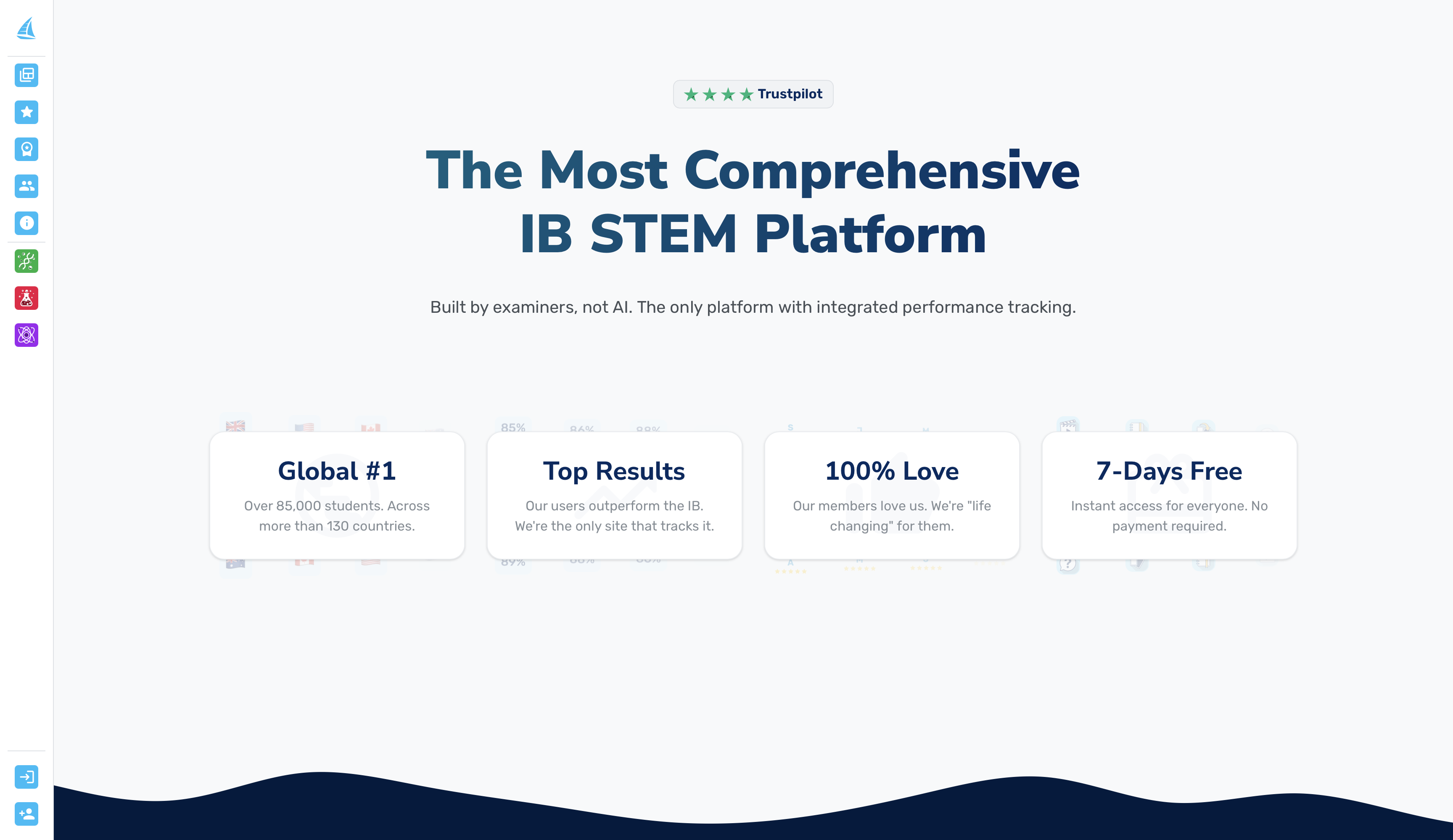
- Animated instructional videos mapped to specific IB Chemistry subtopics, from atomic structure through to equilibrium and kinetics.
- Topic tests and mock exams that follow directly from each animation, with examiner mark schemes for honest self-marking.
- Flashcards and notes to consolidate definitions once the visual concept has clicked.
- Progress analytics that flag which topics need another pass, so revision time goes where it is needed most.
If you would like to see how the animations, tests and tracking fit together, our pricing page lists the All-Access Plan at $19 per month and the Per-Subject Plan at $9 per month, both following a free 7-day trial.
FAQ
What are the best animation resources for IB Chemistry?
PhET Interactive Simulations is the strongest free option, with sims covering acid-base solutions, reversible reactions and salts & solubility that map directly onto IB equilibrium and Ksp content. Some platforms pair similar visual concepts with exam-style questions and mark schemes, so the animation leads straight into practice rather than standing alone.
How do I use chemistry animations to actually improve my grades?
Follow a predict, observe, explain cycle: guess the outcome before watching, note what actually happens, then write a short explanation in your own words. Finish by answering a past-paper question on the same concept while the visual is still fresh in your mind.
Why do some chemistry animations show electron charges and others do not?
Animations that show ionic charges and treat electrons as discrete particles tend to help students write clearer balanced equations and redox explanations. Simpler animations often strip this detail out to improve performance or reduce visual clutter, which can leave gaps in how reaction mechanisms are understood.
Are free sims like PhET good enough for IB Chemistry revision, or do I need something more exam-focused?
PhET sims are excellent for building conceptual understanding of particulate behaviour in topics like equilibrium and acid-base chemistry. For exam results specifically, pairing them with syllabus-mapped practice, such as the topic tests and mock exams on our platform, converts that visual understanding into exam technique.
How often should I revisit a chemistry animation while revising?
Watch it once when the topic is new, then briefly revisit it a week later and again just before a related test. Each revisit should be short, focused on recalling the key moment, and followed by a written explanation or practice question rather than a full rewatch.
Sources
- PhET Interactive Simulations
- What knowledge resources do general chemistry students use to agree or disagree with atomic‑level acid‑base animations? - SJSU
- Why don’t chemistry visuals show the electrons? - Science with Impact